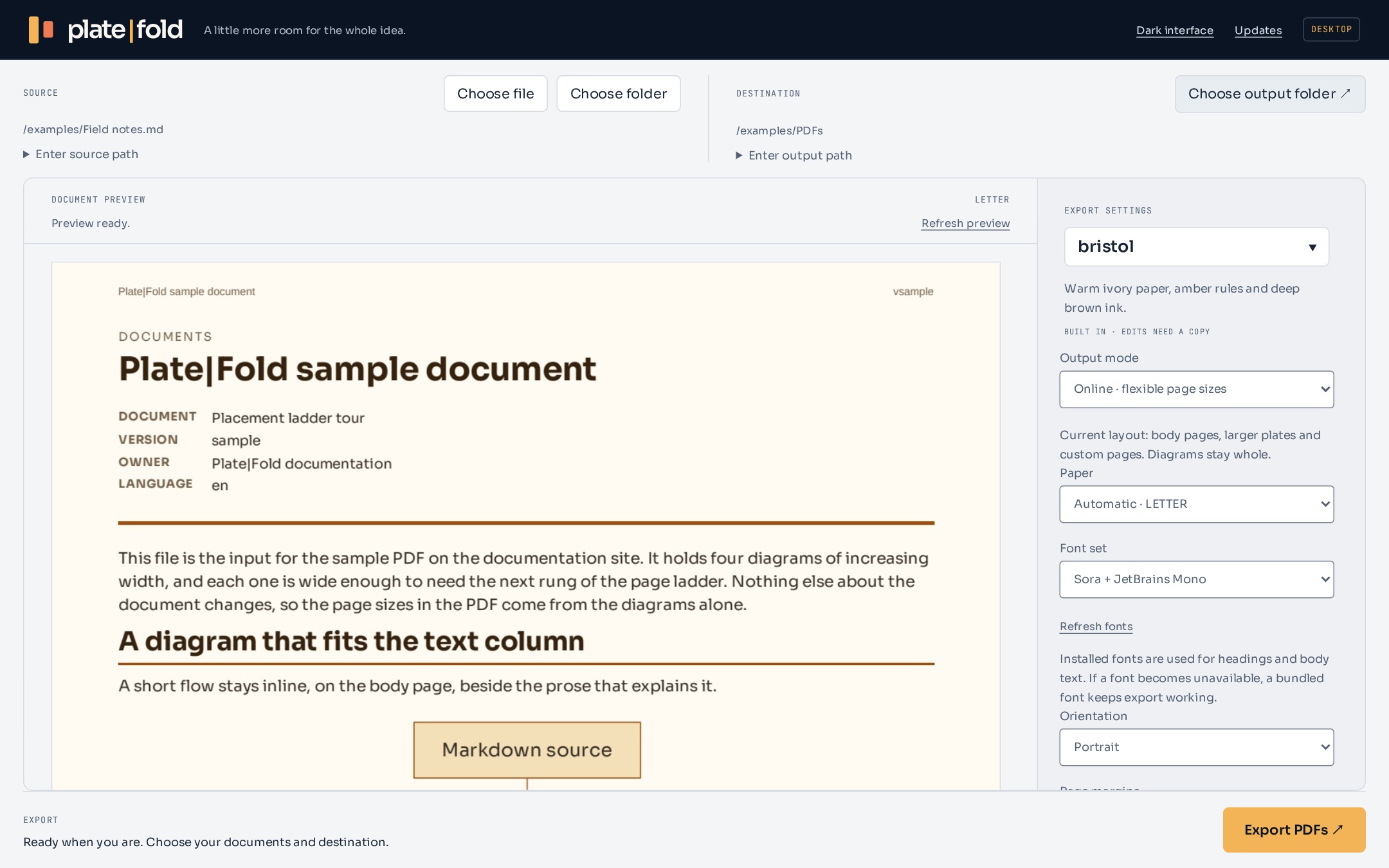
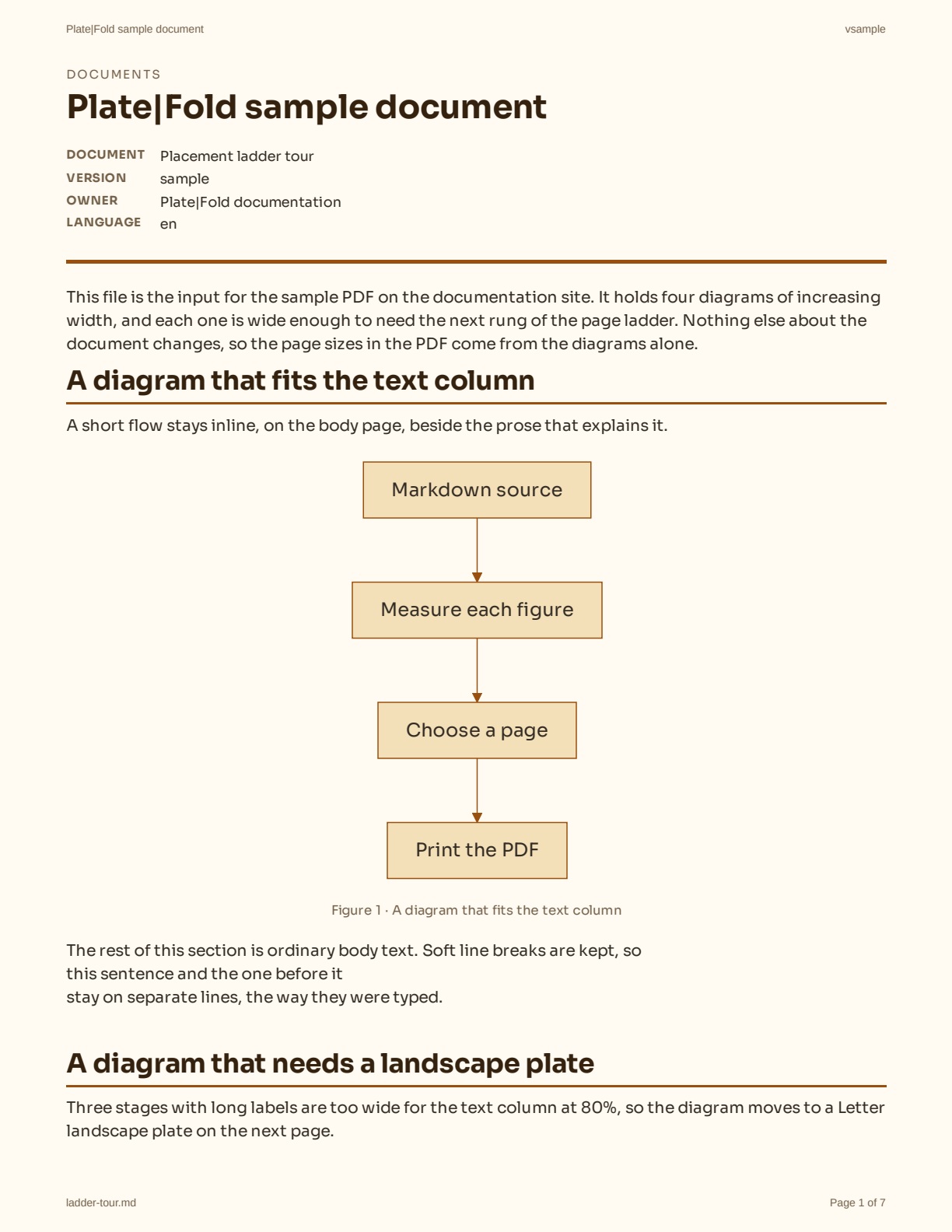
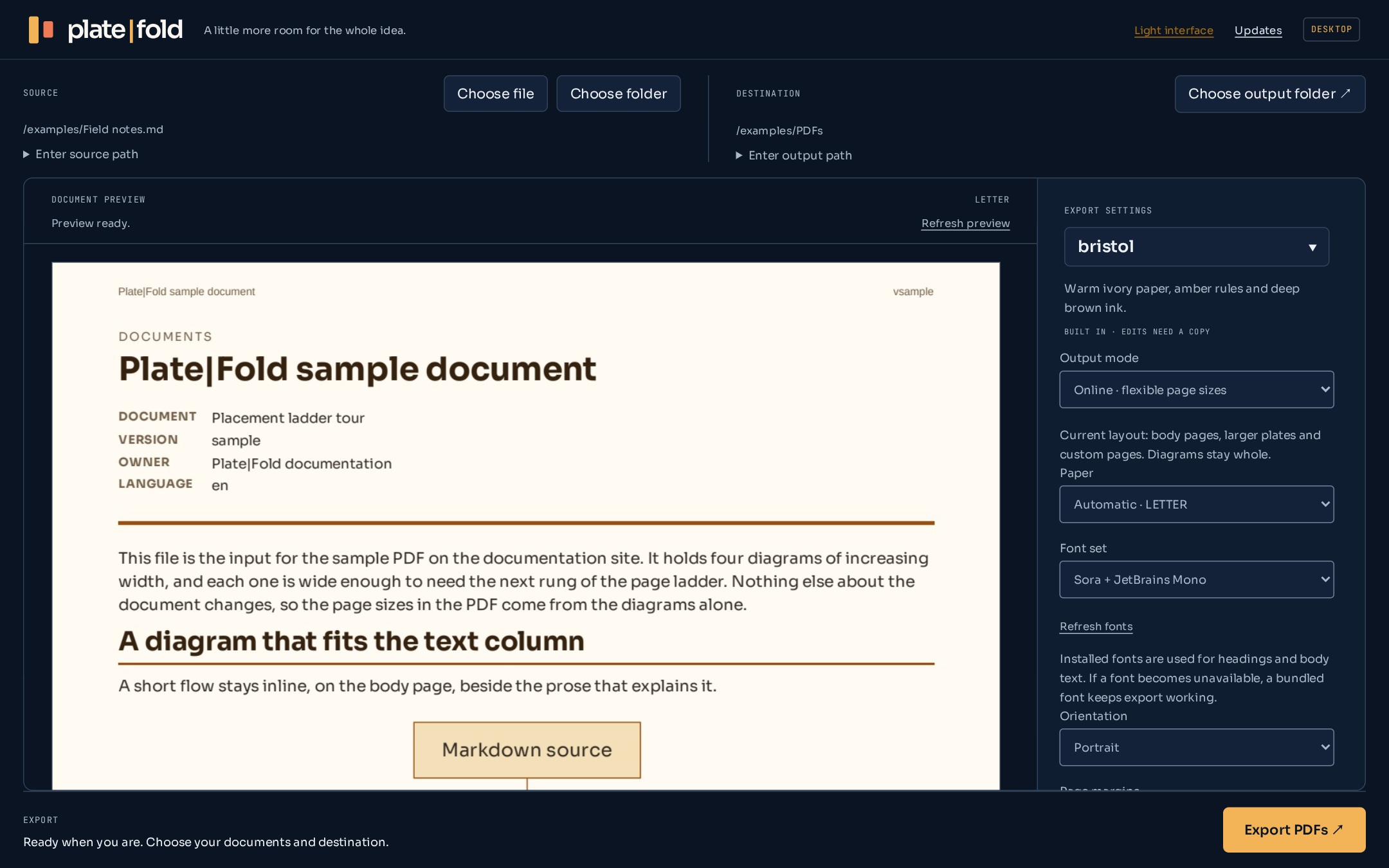
The Plate|Fold interface, with example data and a preview from the
sample PDF.
Mixed page sizes.One PDF.Vector diagrams.Sharp when you zoom.Local exports.Your files stay with you.
The page follows the figure.
Keep the useful bit. Give it a bigger page.
A wide flowchart shouldn't become tiny type on a portrait page.
Plate|Fold measures the figure and finds a page that
fits.
First landscape, then a larger sheet, then a page cut to its
proportions.
The paragraphs around it can stay on Letter or A4. A short diagram
stays with the text. A big one gets its own plate.
Everything comes out in the same PDF.
Follow the placement ladder.
Four figures. Four ways to make room.
Pages from the sample PDF
Letter · Body text and a diagram that fits inline.
Actual pages containing different figures from one sample export.
Open the complete PDF
Stay with the story.
A figure that fits stays beside the prose.
Turn the page.
A wider figure gets a landscape plate.
Take more room.
Step up to a larger standard sheet.
Fit the whole thing.
Use a page sized to the figure.
The document is still yours.
Start with your files. Finish with a readable PDF.
Documents in. Room to think, out.
Markdown, Word, Excel, CSV and TSV. Headings, tables, local
images and Mermaid diagrams stay part of the document.
Legacy .doc, .odt and .rtf need a compatible installed
LibreOffice or Pandoc. Plate|Fold re-lays out the content; it
doesn't reproduce Word pages.
.md.docx.xlsx.csv.tsv
A look that belongs to the document.
Use a built-in theme, a theme file or a supported source
document's palette. Keep your settings for the next export.
AaWarm paper
AaDeep ink
AaGraphite
Your machine. Your working files.
Export through the desktop app or CLI. The conversion runs on your
computer, with no document upload service in between.
.md
.pdf
SOURCE → LOCAL EXPORT → PDF
See the page before you export.
A workspace for the whole document.
The same workspace. Two interface appearances.
Example document. Preview the output, choose a theme, and keep page
settings in the same workspace.
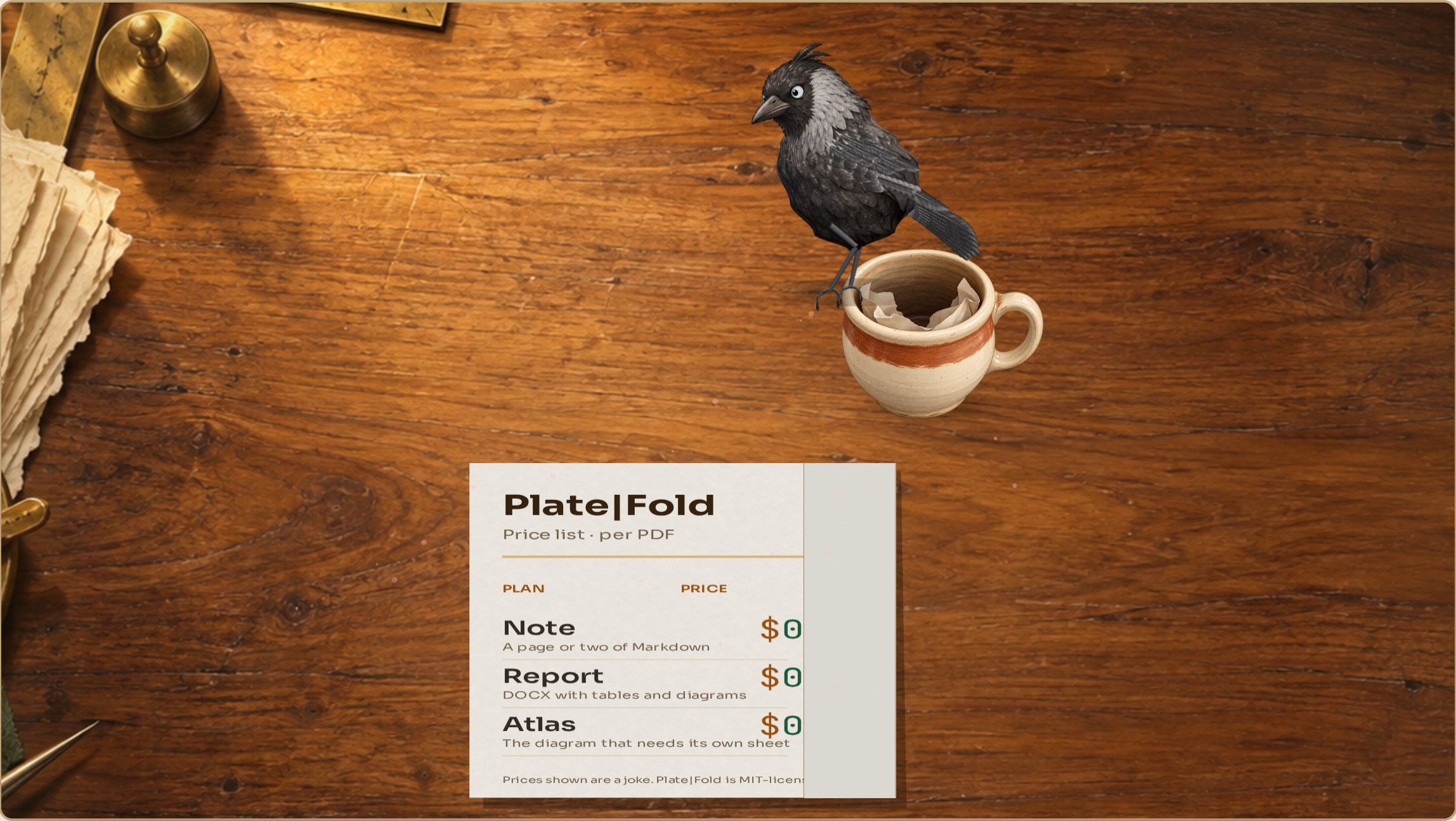
The pricing department
Every page size. Still $0.
Free and open source. Rivet has a slightly longer explanation.
 Plate|Fold